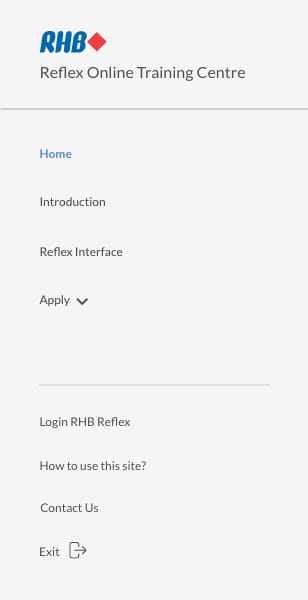
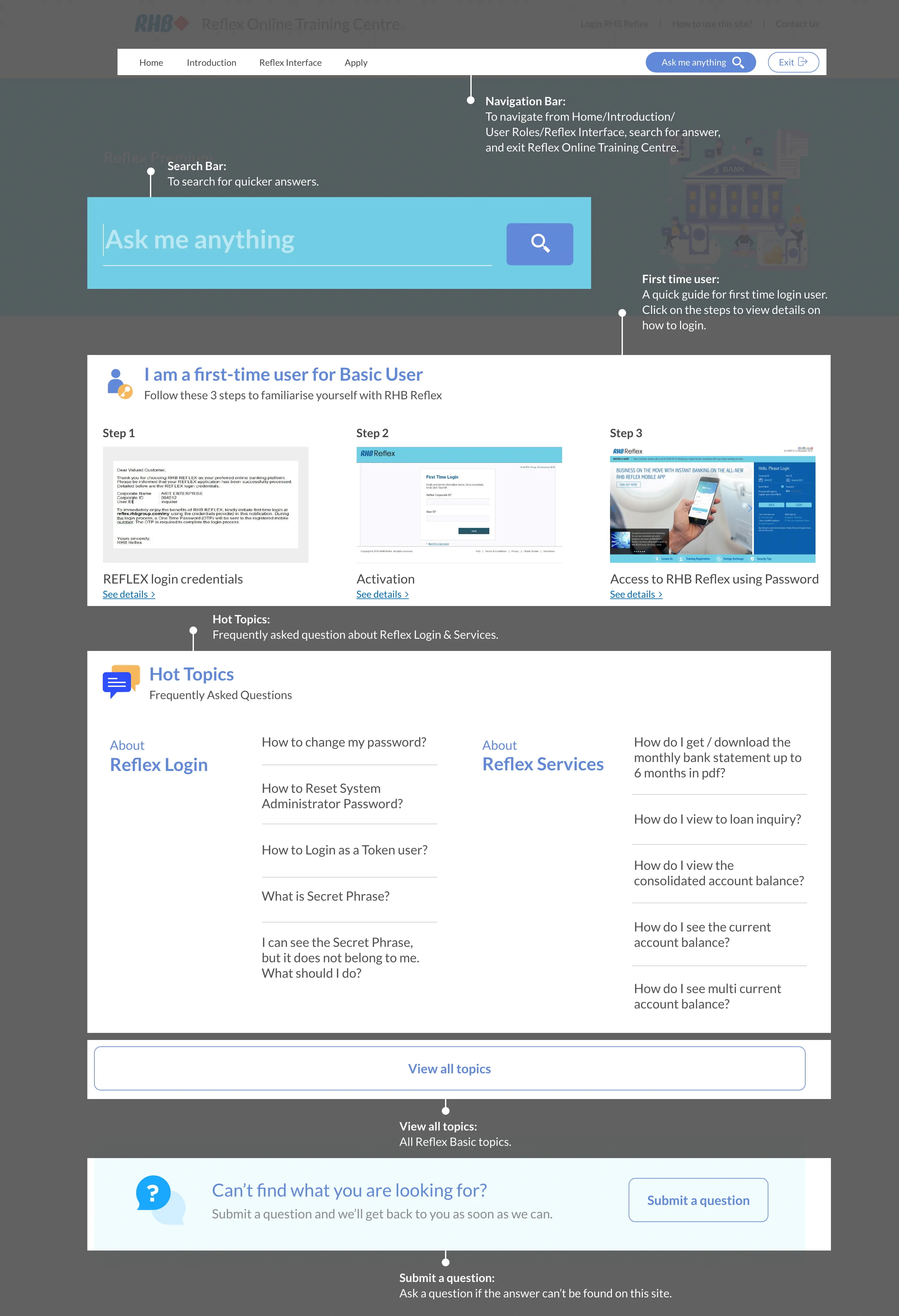
Navigation:
To navigate from Home/Introduction/User Roles/Reflex Interface, search
for answer, and exit Reflex Online Training Centre.
Search Bar:
To search for quicker answers.

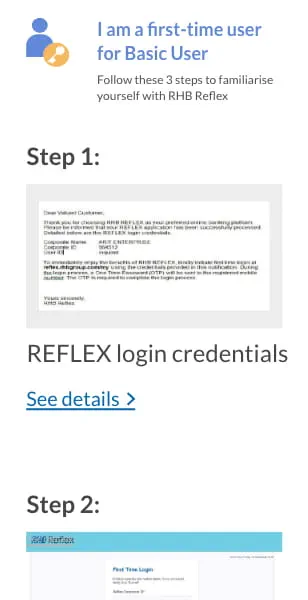
First time user:
A quick guide for first-time login users. Click on the steps to view
details on how to log in.
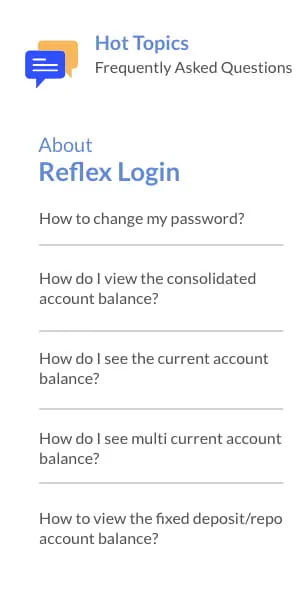
Hot Topics:
Frequently asked question about Reflex Login & Services.
View all topics:
All Reflex Basic topics.
Submit a question:
Ask a question if the answer can’t be found on this site.



 .
. to proceed to
next step.
to proceed to
next step. or
or  .
.